
QuickBooks Desktop vs QuickBooks Online: Which Is Right for Your Business?
A practical, no-marketing-spin comparison to help small business owners choose between a perpetual desktop license and a cloud subscription — based on real costs, real features, and real use cases.
If you run a small business and you are evaluating accounting software in 2024 or 2025, you have almost certainly hit the same question: QuickBooks Desktop or QuickBooks Online?
Intuit has been aggressively pushing users toward its subscription-based cloud product for years. In 2024 they stopped selling new QuickBooks Desktop Pro and Premier Plus licenses directly to US consumers — making it seem like the choice had already been made for you. But that is not the full picture.
The truth is that QuickBooks Desktop perpetual licenses are still available legally through the secondary market under the first-sale doctrine (17 U.S.C. § 109). And for many businesses, Desktop remains the more capable, more cost-effective option in 2025.
This guide gives you everything you need to make an informed decision — cost analysis, feature comparison, use case breakdown, and the honest verdict most software review sites will not give you.
📋 Table of Contents
- What Is QuickBooks Desktop?
- What Is QuickBooks Online?
- Full Feature Comparison Table
- The Real Cost Difference
- Offline Access and Data Ownership
- Reporting and Industry Features
- Inventory Management
- Who Should Choose QuickBooks Desktop?
- Who Should Choose QuickBooks Online?
- Is It Legal to Buy a Surplus Desktop License?
- Common Myths About QuickBooks Desktop
- The Verdict
1. What Is QuickBooks Desktop?
QuickBooks Desktop is the original locally installed version of Intuit’s accounting software. It runs directly on your Windows computer or local server. Your data is stored on your own hardware — not in the cloud. No internet connection is required for any core accounting function.
It comes in three main editions:
- QuickBooks Desktop Pro 2024 — designed for small businesses with up to 3 simultaneous users. Covers invoicing, expense tracking, bank reconciliation, basic inventory, and 100+ built-in reports.
- QuickBooks Desktop Premier 2024 — includes all Pro features plus 5 industry-specific editions (Contractor, Nonprofit, Retail, Manufacturing & Wholesale, Professional Services) and supports up to 5 users.
- QuickBooks Desktop Enterprise 24.0 — designed for larger businesses. Supports up to 40 users, 1 million list items, advanced inventory with FIFO and lot tracking, advanced pricing, and 200+ reports.
All three versions are available as perpetual licenses — meaning you pay once and use the software indefinitely. Core accounting features continue to work even after Intuit sunsets the version’s live service support.
2. What Is QuickBooks Online?
QuickBooks Online is Intuit’s cloud-based accounting platform. It runs in your browser and mobile app. All data lives on Intuit’s servers. An active internet connection is required at all times.
It is available in four subscription tiers (standard US pricing as of early 2025):
- Simple Start — $30/month. Single user. Basic invoicing and expense tracking only.
- Essentials — $60/month. Up to 3 users. Adds bill management and time tracking.
- Plus — $90/month. Up to 5 users. Adds inventory, project profitability, and budgeting.
- Advanced — $200/month. Up to 25 users. Adds custom reporting, workflow automation, and priority support.
⚠️ Important: These are Intuit’s standard retail prices and do not include payroll. Intuit has increased QBO subscription prices multiple times in recent years — always factor in future price increases when calculating long-term cost.
3. QuickBooks Desktop vs QuickBooks Online: Full Feature Comparison
| Feature | QuickBooks Desktop | QuickBooks Online |
|---|---|---|
| Pricing Model | One-time purchase (perpetual) | Monthly subscription ($30–$200/mo) |
| Internet Required | No — works fully offline | Yes — cloud-based only |
| Data Storage | On your own computer/server | Intuit’s cloud servers |
| Users (base plan) | 1–40 (version dependent) | 1–25 (plan dependent) |
| Built-in Reports | 150–200+ advanced reports | 50+ standard reports |
| Industry Editions | Yes — Premier has 5 editions | None |
| Inventory | Advanced (assemblies, FIFO, lot tracking) | Basic to moderate |
| Job Costing | Robust (Premier & Enterprise) | Limited |
| Payroll | Add-on subscription | Built-in on higher plans |
| Mobile Access | Remote desktop only | Full mobile app |
| Remote Collaboration | Limited | Easy real-time access |
| Data Ownership | Full — file lives on your machine | Dependent on Intuit’s servers |
| Long-Term Cost | Much lower (no monthly fees) | High — increases over time |
| List Item Capacity | Up to 1 million (Enterprise) | 14,500 maximum |
| Best For | SMBs, accountants, offline use | Remote teams, mobile-first |
4. The Real Cost Difference: Perpetual License vs Monthly Subscription
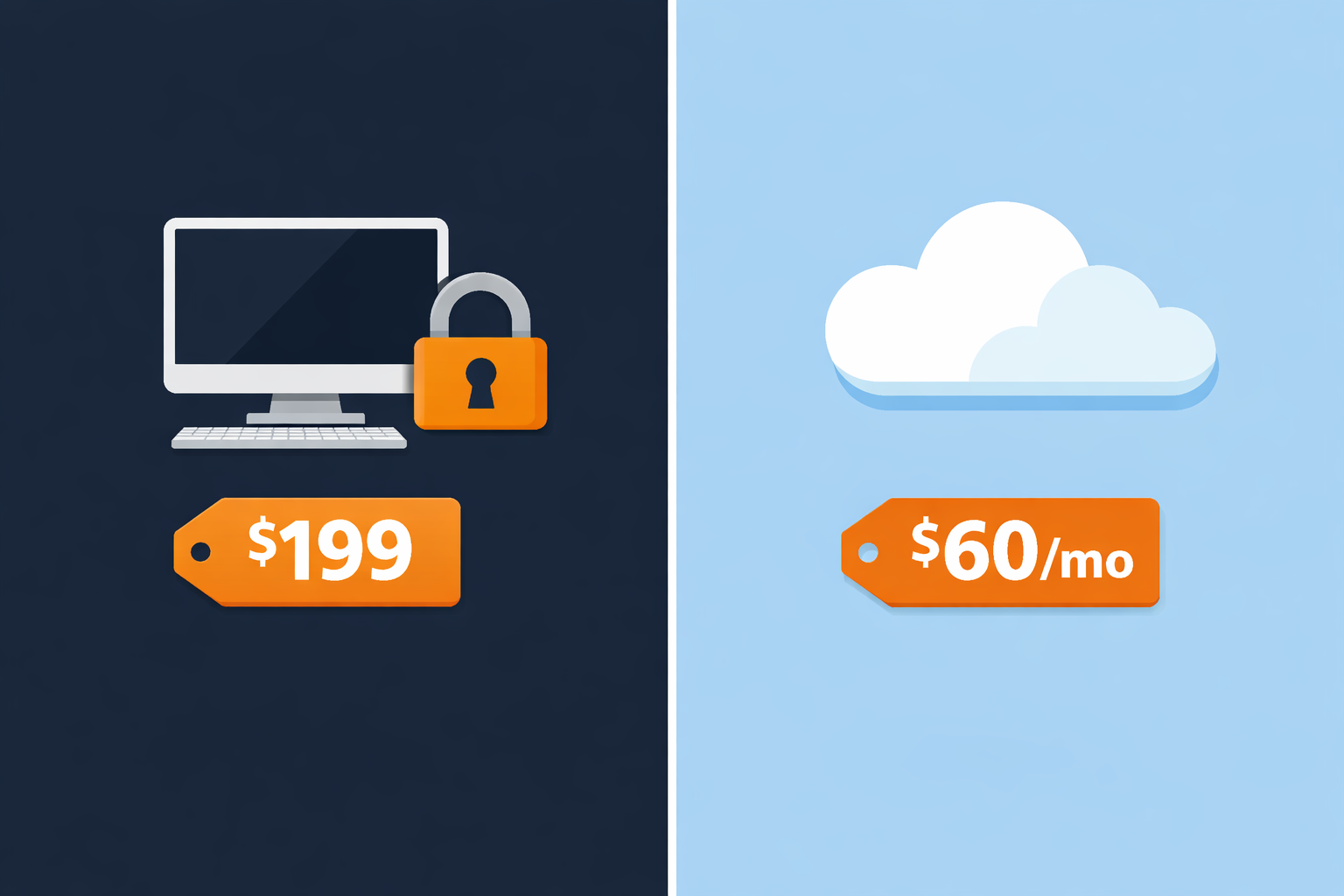
This is where the numbers settle the debate for most businesses. Let us compare the total cost of ownership over 3 years — the typical period before a major Desktop version reaches its service sunset.
QuickBooks Desktop Pro 2024
- Year 1 cost: $199
- Year 2 cost: $0
- Year 3 cost: $0
- 3-year total: $199
- With payroll add-on (~$500/yr): ~$1,699
QuickBooks Online Essentials
- Year 1 cost: $720
- Year 2 cost: $720+
- Year 3 cost: $720+
- 3-year total: $2,160+
- With payroll add-on (~$45/mo): ~$3,780
✅ Bottom line: Over 3 years, a perpetual QuickBooks Desktop Pro license from a legitimate surplus reseller costs approximately 10x less than a QuickBooks Online Essentials subscription — without payroll. Even at full original retail price, Desktop is dramatically more cost-effective for businesses that do not need cloud access.
5. Offline Access and Data Ownership
One of the most overlooked differences between Desktop and Online is data sovereignty — who owns and controls your financial records.
QuickBooks Desktop: Your Data, Your Rules
With Desktop, your company file lives on your own machine or local server. You can:
- Work completely offline — no internet needed for any core accounting function
- Back up your data anywhere you choose — external drive, NAS, or any cloud storage
- Access your data forever — even after Intuit sunsets a version, your company file remains fully readable in the software
- Export and migrate freely to other platforms
QuickBooks Online: Cloud Dependency
With Online, your data lives on Intuit’s servers. This means:
- No internet connection = no access to your financial records
- If Intuit experiences an outage, you cannot work
- If you cancel your subscription, access is cut off — Intuit provides a 365-day export window
- You are subject to Intuit’s evolving data policies and terms of service
💡 For accountants, bookkeepers, and businesses in low-connectivity areas: QuickBooks Desktop’s offline capability is not just a preference — it is a fundamental operational requirement that Online cannot replicate.
6. Reporting and Industry Features
Reporting depth is one of the biggest functional gaps between the two products — and Desktop wins decisively.
QuickBooks Desktop Reporting
- 150–200+ built-in reports depending on version
- Fully customizable report templates saved per company file
- Industry-specific reports in Premier: job costing for contractors, grant tracking for nonprofits, assembly cost reports for manufacturers
- Budget vs. actual reporting and cash flow forecasting in Premier and Enterprise
- Advanced Reporting in Enterprise — build fully custom reports from raw transaction data
QuickBooks Online Reporting
- 50+ standard reports across all plans
- Management reports available in Plus ($90/mo) and above
- Custom report builder only in Advanced plan ($200/mo)
- No industry-specific report sets in any tier
🏭 Industry-specific note: If your business is in construction, nonprofit, manufacturing, or professional services, QuickBooks Desktop Premier’s industry editions provide reporting, workflows, and templates that QuickBooks Online simply does not offer at any price point.
7. Inventory Management
For businesses that manage physical products, the difference is substantial.
QuickBooks Desktop Inventory (Premier and Enterprise)
- Assembly management — build finished goods from raw component parts
- FIFO (First-In, First-Out) costing — accurate inventory valuation by purchase date
- Serial and lot number tracking (Enterprise)
- Barcode scanning integration (Enterprise)
- Multi-location inventory across warehouses (Enterprise)
- Reorder point alerts and automated purchase orders
QuickBooks Online Inventory
- Basic inventory tracking available from Plus tier ($90/month)
- No assembly management or bill of materials
- No serial or lot number tracking
- No barcode scanning
- Single-location inventory only
8. Who Should Choose QuickBooks Desktop?
Based on real-world business use cases and feature analysis, QuickBooks Desktop is the right choice for:
- Independent accountants and bookkeepers — who serve multiple clients from a single installation and need robust reporting without per-user subscription costs
- Construction and contracting businesses — who depend on job costing, project profitability, and contractor-specific reports only available in Premier
- Manufacturers and distributors — who need assembly management, FIFO costing, and multi-location inventory only available in Desktop
- Nonprofit organizations — who need grant tracking, donor management, and Form 990 assistance specific to Premier’s Nonprofit edition
- Businesses in low-connectivity areas — where a reliable internet connection cannot be guaranteed
- Cost-conscious small businesses — who want to own their software outright and avoid escalating monthly subscription fees
- Businesses with large data sets — who track more than 14,500 customers, vendors, or inventory items
9. Who Should Choose QuickBooks Online?
- Remote or distributed teams — who need multiple users accessing the same company file from different locations simultaneously
- Mobile-first businesses — QuickBooks Online has a full-featured mobile app; Desktop requires remote desktop software for any mobile access
- Startups with low upfront budgets — who prefer spreading costs monthly rather than a lump-sum purchase
- Businesses with external accountants — Online makes real-time accountant access and collaboration simpler
- Simple service businesses — with basic invoicing, expense tracking, and payroll needs that do not require advanced reporting or inventory
10. Is It Legal to Buy a Surplus QuickBooks Desktop License?
Since Intuit stopped selling QuickBooks Desktop Pro and Premier Plus directly to new US customers in 2024, many business owners wonder where they can still get a legitimate perpetual license.
The answer is the secondary software market, legally grounded in the first-sale doctrine (17 U.S.C. § 109) — a well-established US law that permits the resale of lawfully purchased software licenses. This doctrine has been upheld in federal courts in cases involving major software publishers.
Surplus software resellers source licenses from corporate liquidations, business closures, and volume license overages. When you purchase from a reputable reseller, you receive a genuine, activatable license key that is fully legal to own and use. You can verify any purchased key at camps.intuit.com after activation.
🔍 What to look for in a legitimate reseller: Transparent product descriptions, a clear exchange or activation guarantee policy, verifiable contact information, and no use of terms like “cracked,” “nulled,” or “keygen.” Avoid any seller that cannot provide a real support email.
11. Common Myths About QuickBooks Desktop
Partially true, but misleading. Intuit stopped selling new licenses of Desktop Pro and Premier Plus to US consumers in 2024. However, the software itself is not being shut down. Existing licenses continue to work indefinitely for core accounting features. Enterprise editions continue to be sold directly. And perpetual licenses remain available through the secondary market under the first-sale doctrine.
False for medium to long-term use. As shown above, a perpetual Desktop license costs approximately 10x less than an Online subscription over 3 years when purchased from a surplus reseller. The subscription model only wins on upfront cost, and only if you will switch software after 1–2 years.
False for most small business use cases. QuickBooks Online has improved significantly, but Desktop still leads on reporting depth, inventory complexity, job costing, and industry-specific functionality. Online wins on remote access and mobile convenience — and for those specific needs, it is genuinely better.
False. Your data on your own hardware is not inherently less secure than data on a third-party cloud server. It requires your own backup discipline, but local storage eliminates risks of third-party data breaches, account lockouts, and service outages that are outside your control.
12. The Verdict: Which Should You Choose?
✅ Choose QuickBooks Desktop if…
- You want to own your software outright
- You operate offline or have limited connectivity
- You need advanced job costing or reporting
- You are an accountant or bookkeeper
- You are in construction, nonprofit, or manufacturing
- You want to minimize long-term software costs
- You have large customer/vendor/inventory lists
🌐 Choose QuickBooks Online if…
- You need access from multiple locations
- Your team works remotely and needs real-time sync
- You rely heavily on mobile access
- You want simple built-in cloud backup
- Easy real-time accountant collaboration is critical
- Your accounting needs are basic (invoicing + expenses)
For the majority of established small businesses — especially those with offline requirements, specialized industry needs, or a focus on long-term cost efficiency — QuickBooks Desktop remains the more capable and more cost-effective solution in 2024 and 2025.
Looking for a Genuine QuickBooks Desktop License?
ParagonSoftwares offers legitimate surplus perpetual licenses for QuickBooks Desktop Pro, Premier, and Enterprise — delivered by email in 2 to 4 hours, legally under the first-sale doctrine.
Browse Available Licenses →