
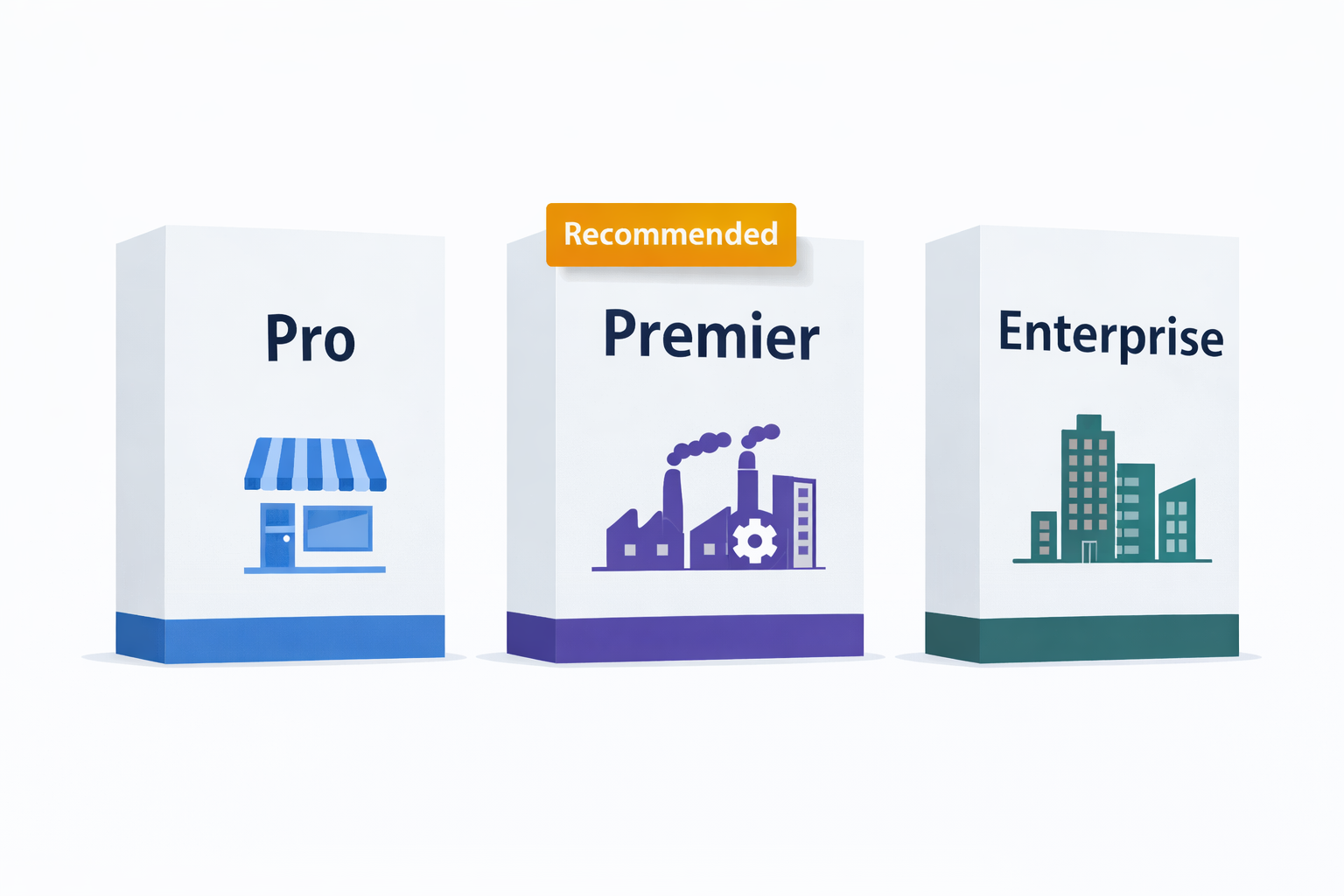
QuickBooks Pro vs Premier vs Enterprise: A Complete Version Comparison
A practical breakdown of every meaningful difference between QuickBooks Desktop Pro, Premier, and Enterprise — so you can choose the right edition for your business size, industry, and budget without guesswork.
You have decided that QuickBooks Desktop is the right accounting solution for your business. Now comes the second decision: which edition do you actually need?
QuickBooks Desktop comes in three versions — Pro, Premier, and Enterprise — and the differences between them go far beyond just price. Picking the wrong edition means either paying for features you will never use, or running into limitations that slow your team down within months of getting started.
This guide covers every meaningful difference between the three editions across features, pricing, user limits, inventory, reporting, and industry use cases — so you can make the right call the first time.
💡 Quick answer: Pro is for small businesses with basic accounting needs (up to 3 users). Premier adds industry-specific editions and supports up to 5 users. Enterprise is built for large or rapidly growing businesses that need advanced inventory, granular permissions, and up to 40 users.
📋 Table of Contents
- Edition Overview at a Glance
- QuickBooks Desktop Pro 2024
- QuickBooks Desktop Premier 2024
- QuickBooks Desktop Enterprise 24.0
- Full Feature Comparison Table
- Cost Comparison
- Enterprise Tiers: Silver, Gold, Platinum, Diamond
- How to Decide: The Right Edition for Your Situation
- Upgrading Between Editions
- What About Payroll?
- The Verdict
1. Edition Overview at a Glance
QuickBooks Pro 2024
- Up to 3 simultaneous users
- 100+ built-in reports
- Basic inventory management
- No industry editions
- Best for: Small businesses, freelancers
QuickBooks Premier 2024
- Up to 5 simultaneous users
- 150+ industry-specific reports
- 5 industry editions included
- Job costing and forecasting
- Best for: Contractors, nonprofits, retail
QuickBooks Enterprise 24.0
- Up to 40 simultaneous users
- 200+ advanced reports
- 1 million list item capacity
- Advanced inventory and pricing
- Best for: Large and growing businesses
2. QuickBooks Desktop Pro 2024
QuickBooks Desktop Pro 2024 is the entry-level edition of the Desktop lineup. It covers every core accounting function a small business needs — invoicing, expenses, bank reconciliation, reporting, and basic inventory — without the complexity or cost of the higher tiers.
Best for:
- Freelancers, sole traders, and self-employed professionals
- Small retail or service businesses with simple day-to-day accounting
- Businesses with 1 to 3 staff members handling finances
- Anyone who wants the most affordable perpetual Desktop license
Key Features:
- Professional invoicing, estimates, sales receipts, and purchase orders
- Expense tracking, bill management, and full accounts payable
- 100+ built-in reports — profit & loss, balance sheet, cash flow, A/R aging, and more
- Basic inventory — track stock levels and set reorder points
- Bank reconciliation with bank feed import
- Customer and vendor management with full transaction history
- 1099-NEC preparation and TurboTax export
- Up to 3 simultaneous users over a local network
- Works 100% offline — no internet required
Limitations of Pro:
- No industry-specific editions or reports
- No business planning tools or cash flow forecasting
- No advanced job costing by project phase
- Maximum 3 simultaneous users
- 14,500 list item capacity — can be limiting as the business grows
✅ Cost: QuickBooks Desktop Pro 2024 is available from ParagonSoftwares for $199 as a perpetual license — one-time payment, no ongoing subscription required for core functionality.
3. QuickBooks Desktop Premier 2024
QuickBooks Desktop Premier 2024 is the most versatile mid-tier option for specialized industries. It includes everything in Pro plus 5 industry-specific editions with tailored reports, workflows, and tools built for each sector.
Best for:
- Contractors and construction businesses that need job costing and progress billing
- Nonprofit organizations that need grant tracking and donor management
- Retail businesses with more complex inventory and point-of-sale needs
- Manufacturers and wholesale distributors managing assemblies
- Professional services firms billing by time and materials
- Businesses with 4 to 5 staff needing simultaneous QuickBooks access
Key Features (in addition to Pro):
- 5 industry editions included — Contractor, Nonprofit, Retail, Manufacturing & Wholesale, Professional Services — switch any time from the Help menu
- 150+ reports including industry-specific templates
- Cash flow forecasting and budget vs. actual reporting
- Job costing and project profitability — track every dollar by project
- Robust estimates and progress invoicing for contractors
- Grant tracking and donor management for nonprofits
- Sales order fulfillment and assembly management for manufacturers
- Time and materials billing for professional services firms
- Up to 5 simultaneous users
Limitations of Premier:
- Still capped at 14,500 list items — same as Pro
- No advanced inventory (no FIFO costing, no lot/serial tracking, no barcode scanning)
- No granular user permissions — basic access controls only
- No multi-location inventory tracking
- Maximum 5 simultaneous users
✅ Cost: QuickBooks Desktop Premier 2024 is available from ParagonSoftwares for $299 as a perpetual license.
4. QuickBooks Desktop Enterprise 24.0
QuickBooks Desktop Enterprise 24.0 is the top tier of the Desktop lineup — built for large businesses, high-volume operations, and growing companies that have outgrown Pro or Premier. Enterprise does not just add more of the same; it introduces entirely new capability layers that the lower editions cannot replicate at any price.
Best for:
- Businesses with 6 to 40 staff members needing accounting access
- Manufacturers and distributors with complex inventory requirements
- Businesses operating across multiple warehouse or retail locations
- Companies that need granular, role-based user permission control
- High-volume businesses tracking more than 14,500 customers or inventory items
- Businesses that need automated pricing rules and discount management
Key Features (in addition to Premier):
- Up to 40 simultaneous users — the highest in the entire Desktop lineup
- 1 million list item capacity — 69x more than Pro or Premier (which cap at 14,500)
- 115+ granular user permission settings — control exactly what each role can see and do
- Advanced Reporting — build fully custom reports from raw transaction data, saved and shared across users
- Advanced Inventory — FIFO costing, barcode scanning, serial and lot number tracking, bin location management
- Advanced Pricing — rules-based discount engine with quantity breaks, price levels, and promotional pricing
- Multi-location inventory — track and transfer stock across multiple warehouses or sites
- Enhanced job costing — labor cost tracking and project profitability broken down by job phase
- Consolidated reporting across multiple company files
✅ Cost: QuickBooks Desktop Enterprise 24.0 (perpetual, Silver-level base features) is available from ParagonSoftwares for $449. Annual subscription tiers (Silver through Diamond) are available for businesses that need payroll services included.
5. Full Feature Comparison Table
| Feature | QB Pro 2024 | QB Premier 2024 | QB Enterprise 24.0 |
|---|---|---|---|
| Price (perpetual) | $199 | $299 | $449 |
| Simultaneous Users | Up to 3 | Up to 5 | Up to 40 |
| Built-in Reports | 100+ | 150+ | 200+ Advanced |
| Industry Editions | None | 5 editions | Customizable |
| List Item Capacity | 14,500 | 14,500 | 1 million |
| Basic Inventory | ✓ Yes | ✓ Yes | ✓ Yes |
| Advanced Inventory | No | No | ✓ Yes (FIFO, lots, barcode) |
| Multi-location Inventory | No | No | ✓ Yes |
| Job Costing | Basic | ✓ Robust | ✓ Enhanced |
| Cash Flow Forecasting | No | ✓ Yes | ✓ Yes |
| Budget vs Actual | No | ✓ Yes | ✓ Yes |
| Advanced Pricing | No | No | ✓ Yes (rules-based) |
| User Permissions | Basic | Standard | 115+ role settings |
| Barcode Scanning | No | No | ✓ Yes |
| Serial/Lot Tracking | No | No | ✓ Yes |
| Custom Report Builder | No | No | ✓ Yes |
| Multi-company Reports | No | No | ✓ Yes |
| Works Offline | ✓ Yes | ✓ Yes | ✓ Yes |
| Payroll | Add-on | Add-on | Add-on (or included in Gold+) |
6. Cost Comparison
All three editions are available as perpetual licenses through the secondary market — one-time payments with no subscription required for core accounting features.
| QB Pro 2024 | QB Premier 2024 | QB Enterprise 24.0 | |
|---|---|---|---|
| Perpetual License Price | $199 | $299 | $449 |
| Original Retail Price | $649.99 | $949.99 | $1,464.00 |
| Savings vs Retail | ~70% | ~68% | ~69% |
| 3-Year Cost (no payroll) | $199 | $299 | $449 |
| 3-Year Cost (with payroll ~$500/yr) | ~$1,699 | ~$1,799 | ~$1,949 |
💡 Even the most expensive Desktop edition (Enterprise at $449) costs less over 3 years than a single year of QuickBooks Online Advanced ($200/month = $2,400/year). For most business types, the perpetual Desktop license model is dramatically more cost-effective long term.
7. Enterprise Tiers: Silver, Gold, Platinum, Diamond
Within Enterprise, there are four sub-tiers that add payroll services on top of the base features. These are available as annual subscriptions rather than perpetual licenses.
📌 Note: If you do not need payroll services built in, the Enterprise perpetual license (Silver-level features) at $449 gives you all the core Enterprise capabilities — Advanced Inventory, Advanced Pricing, 115+ permissions, 1 million list items — without an annual subscription. You can add Intuit’s payroll as a standalone add-on separately.
8. How to Decide: The Right Edition for Your Situation
Choose Pro if…
- You are a freelancer or very small business
- Basic invoicing and expense tracking covers your needs
- You have 1–3 people accessing QuickBooks
- Your inventory is simple
- Budget is the primary concern
- No industry-specific reporting needed
Choose Premier if…
- You are in construction, nonprofit, retail, manufacturing, or professional services
- You need industry-specific reports and workflows
- Job costing and project profitability matter
- You have 4–5 people needing access
- Cash flow forecasting is important
- You want the most value per dollar spent
Choose Enterprise if…
- You have 6+ staff needing QuickBooks access
- You track more than 14,500 items
- You need FIFO, barcode scanning, or lot tracking
- You need granular user permissions
- You operate multiple warehouse locations
- You need advanced pricing automation
9. Upgrading Between Editions
One of the advantages of the QuickBooks Desktop ecosystem is that your company file can be migrated between editions without losing any data.
- Pro to Premier — direct upgrade, all data preserved, takes minutes
- Premier to Enterprise — direct upgrade, all data preserved
- 2021–2023 to 2024 — direct version upgrade supported
- Pre-2021 versions — migration assistance recommended
If you start with Pro today and find yourself hitting the 3-user limit or needing industry reports in six months, upgrading to Premier is straightforward. Your existing company file and all historical data come with you.
💡 Not sure where to start? Start with Premier. At $299, it covers the vast majority of small-to-medium business needs — including industry-specific workflows — without the complexity of Enterprise. If you grow into Enterprise-level needs, your data migrates cleanly.
10. What About Payroll?
Payroll is not included in any of the three base Desktop editions. It is available as a separate add-on from Intuit regardless of which version you use.
- Basic Payroll — manual calculations, no automated tax filing
- Enhanced Payroll — automated payroll with tax table updates, direct deposit, and W-2 preparation (~$500/year as a standalone add-on)
- Assisted Payroll — Intuit handles all tax filings on your behalf (Enterprise Diamond tier only)
For most small businesses, Enhanced Payroll as a standalone Intuit add-on is the right choice. It keeps your payroll costs separate from your license cost, and you only pay for it if you need it.
11. The Verdict
The right QuickBooks Desktop edition depends entirely on three factors: how many users you need, whether your industry has specific accounting requirements, and whether your inventory or business complexity has outgrown basic tracking.
- Pro ($199) — the right choice if your needs are simple and your team is small. No overpaying for unused features.
- Premier ($299) — the best value edition for most small businesses. The $100 premium over Pro delivers industry-specific workflows, better reporting, and job costing that pays for itself quickly in time saved.
- Enterprise ($449) — the right choice when you have outgrown the limits of Pro or Premier. Not just “more users” — a fundamentally more capable platform with features Pro and Premier cannot provide at any price.
Ready to Get the Right QuickBooks Desktop Edition?
ParagonSoftwares offers genuine perpetual licenses for QuickBooks Desktop Pro, Premier, and Enterprise — delivered by email in 2 to 4 hours, legally under the first-sale doctrine.
Browse Available Licenses →