
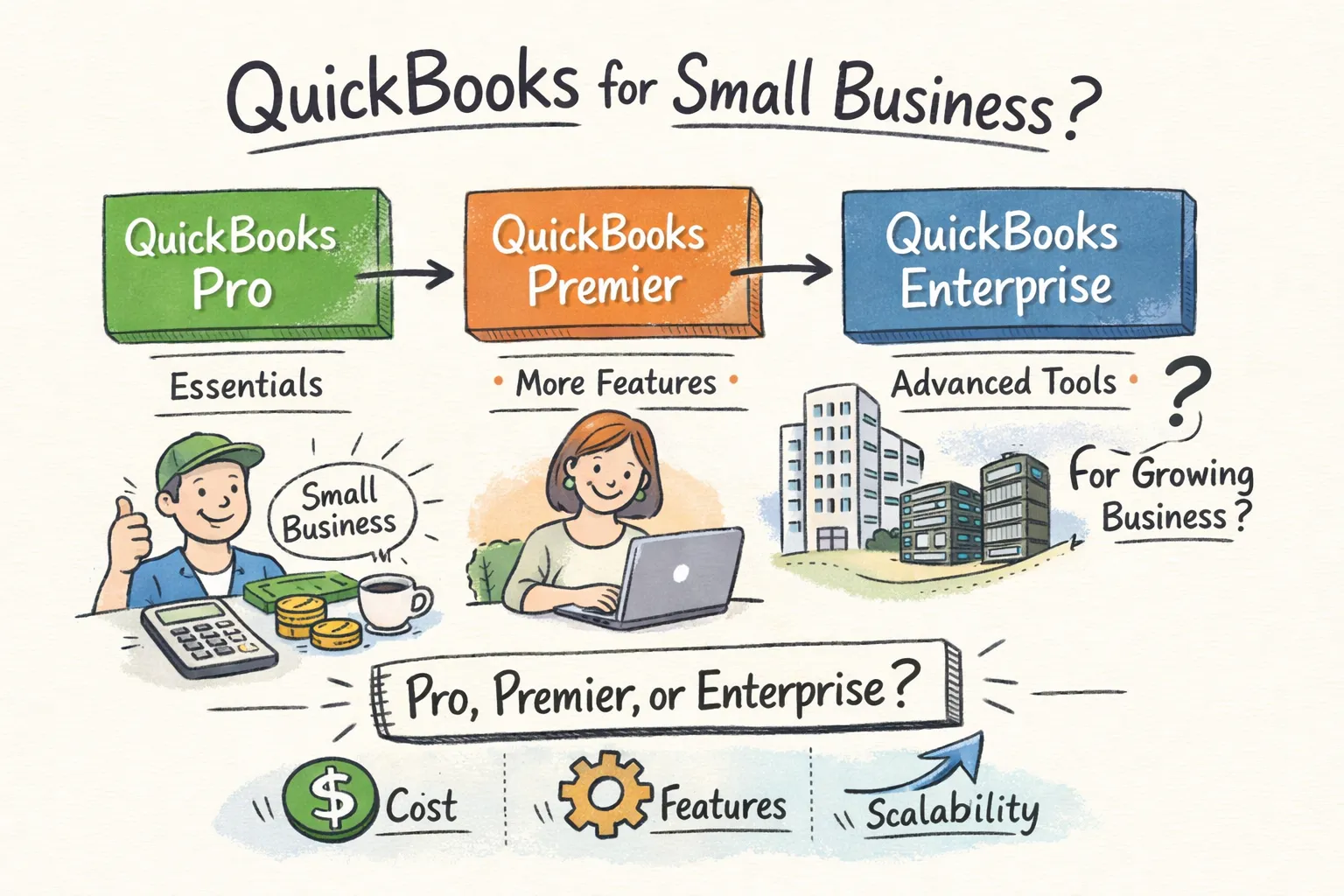
Best QuickBooks for Small Business: Pro, Premier, or Enterprise?
A direct comparison of QuickBooks Desktop Pro, Premier, and Enterprise so you can match the right version to your actual business needs — and get a genuine licence at a price that makes sense.
Choosing the best QuickBooks for small business means more than glancing at the annual price tag. Intuit markets QuickBooks Desktop in three distinct editions, and most small business owners pick based on cost alone. That approach leaves service firms paying for inventory tools they will never open, while growing contractors hit a user ceiling six months after buying.
The right version depends on three things: how many people need simultaneous access, whether your industry demands specialised reporting, and how long you plan to use the software before upgrading. This guide gives you a direct comparison so you can match the best version to your actual workflow — and buy it at a price that makes sense.
📋 Table of Contents
- QuickBooks Desktop Pro: What It Gets You
- QuickBooks Desktop Premier: The Industry-Specific Edge
- QuickBooks Desktop Enterprise: For Serious Growth
- The Real Cost of Each Version Over Time
- Matching Version to Business Type
- Two Questions That Settle the Decision
- How to Get a Genuine Licence Without Paying Retail
- Frequently Asked Questions
1. QuickBooks Desktop Pro: What It Gets You
Pro is the entry point for small businesses that need double-entry accounting, invoicing, expense tracking, bank reconciliation, and standard reporting without inventory complexity. It handles the fundamentals well, and for many businesses, the fundamentals are all they need.
The real constraint: Pro supports a maximum of 3 simultaneous users. That works cleanly for a solo owner plus an accountant, or a two-person office sharing access. The 2026 annual subscription price for Pro Plus sits at $1,149 for a single user. A perpetual licence through ParagonSoftwares costs $199 one-time.
✅ Who Pro is genuinely right for: A freelance consultant managing client invoices, a small law office tracking billable hours, a two-person landscaping company processing payments. Service-based businesses with 1–3 people who handle the books and have no plans to scale headcount. Pro handles everything these businesses need without charging for tools they will never open.
2. QuickBooks Desktop Premier: The Industry-Specific Edge
Premier’s defining advantage is its five industry-specific editions. These are not cosmetic differences with renamed menu items. Each edition ships with a pre-configured chart of accounts, tailored reports, and workflow tools built for that sector.
| Premier Edition | Key Exclusive Features | Best For |
|---|---|---|
| Contractor | Job costing by phase, estimates vs actuals, subcontractor management | Construction, remodeling, trades |
| Nonprofit | Donor tracking, grant reporting, fund accounting via class tracking | Charities, foundations, associations |
| Retail | Sales order management, inventory center, price levels | Retail stores with moderate inventory |
| Manufacturing & Wholesale | Inventory assemblies, bill of materials, sales orders | Manufacturers, distributors |
| Professional Services | Project billing, time tracking, utilisation reports | Consultants, agencies, firms |
Premier supports up to 5 simultaneous users. The 2026 annual subscription price is $1,609 for one user — or $299 one-time as a perpetual licence through ParagonSoftwares. The $100 premium over Pro is easily justified by Premier’s industry editions if they apply to your business.
💡 The Premier decision test: Does your business need job costing by phase, donor tracking, inventory assemblies, or industry-specific forms? If yes, Premier is the right version. If not — and you have 3 or fewer users — Pro is the rational choice.
3. QuickBooks Desktop Enterprise: For Serious Growth
Enterprise is the only Desktop edition that supports up to 40 simultaneous users. Beyond user count, Enterprise carries inventory capabilities that Pro and Premier do not offer:
- FIFO costing (Enterprise Platinum)
- Serial and lot number tracking with expiration dates
- Bin location tracking across multiple warehouse sites
- Barcode scanning for receiving and picking
- Sales order fulfilment dashboard for pick-pack-ship operations
- Granular user permissions at the individual screen level
⚠️ Most small businesses do not need Enterprise. The use case is specific: a growing manufacturer managing parts across multiple warehouse locations, a wholesale distributor with lot tracking requirements, a multi-location retailer that has hit Premier’s 5-user ceiling. If you do not need more than 5 users, FIFO costing, or lot tracking — Premier delivers equivalent accounting power for significantly less.
4. The Real Cost of Each Version Over Time
| Version | Intuit Subscription (1 user) | 3-User Subscription | Perpetual (ParagonSoftwares) | 3-Year Perpetual |
|---|---|---|---|---|
| Pro | $1,149/year | $1,609/year | $199 once | $199 |
| Premier | $1,609/year | $2,299/year | $299 once | $299 |
| Enterprise Silver | $1,873/year | Scales by tier | $449 once | $449 |
Project a 3-user Premier Plus setup over five years: $2,299 per year adds up to $11,495. A perpetual Premier licence at $299 one-time, with an upgrade every 3 years ($299 again), costs under $600 over the same period. The savings compound every year you continue using it.
5. Matching Version to Business Type
| Business Type | Recommended Version | Why |
|---|---|---|
| Solo service providers and freelancers | Pro, 1 user | No inventory, no industry-specific reports needed |
| Contractors and construction firms | Premier (Contractor edition), 1–3 users | Job costing and estimates-to-actuals justify the step up |
| Nonprofits | Premier (Nonprofit edition), 1–5 users | Fund accounting and donor tracking are built in |
| Retail businesses with moderate inventory | Premier (Retail edition) | Sales orders and inventory centre |
| Manufacturing or wholesale | Enterprise (Manufacturing edition) | Lot tracking, bin locations, advanced receiving |
| Service firms scaling past 5 staff | Enterprise Silver minimum | For the user ceiling alone |
6. Two Questions That Settle the Decision
Every version decision comes down to two practical questions:
Question 1: How many people need simultaneous access to the company file?
1–3 users → Pro. 4–5 users → Premier. 6 or more users → Enterprise is your only Desktop option.
Question 2: Does your industry require specialised reports that generic accounting software won’t produce on its own?
A contractor who needs job costing, a nonprofit tracking grants by fund, or a manufacturer monitoring lot expiration dates needs Premier or Enterprise. A general service business does not.
📌 Answer both questions honestly and the right version becomes clear. The most common mistake is buying Enterprise thinking ‘more is better’ when Premier or even Pro covers every workflow the business actually uses.
7. How to Get a Genuine Licence Without Paying Retail
Perpetual versions of QuickBooks Desktop exist and are legally resalable under the U.S. first-sale doctrine (17 U.S.C. § 109). These are not cracked software copies or grey-market keys. They are genuine surplus licences from legitimate sources, sold legally by authorised resellers. The software activates with Intuit’s servers the same way a retail purchase would.
ParagonSoftwares carries genuine QuickBooks Desktop Pro, Premier, and Enterprise licences at up to 80% below Intuit’s current retail price. Once you have identified which version matches your business, the buying process is straightforward: purchase the licence, receive your activation key by email within 2–4 hours, and install the software on your machine using the official Intuit download link provided. Every sale includes a 7-day Activation Guarantee — if a key fails to activate, we replace it immediately at no charge.
Frequently Asked Questions
Find the Right QuickBooks Desktop Version for Your Business
Pro from $199 · Premier from $299 · Enterprise from $449. Genuine perpetual licences delivered in 2–4 hours.
Browse Available Licenses →